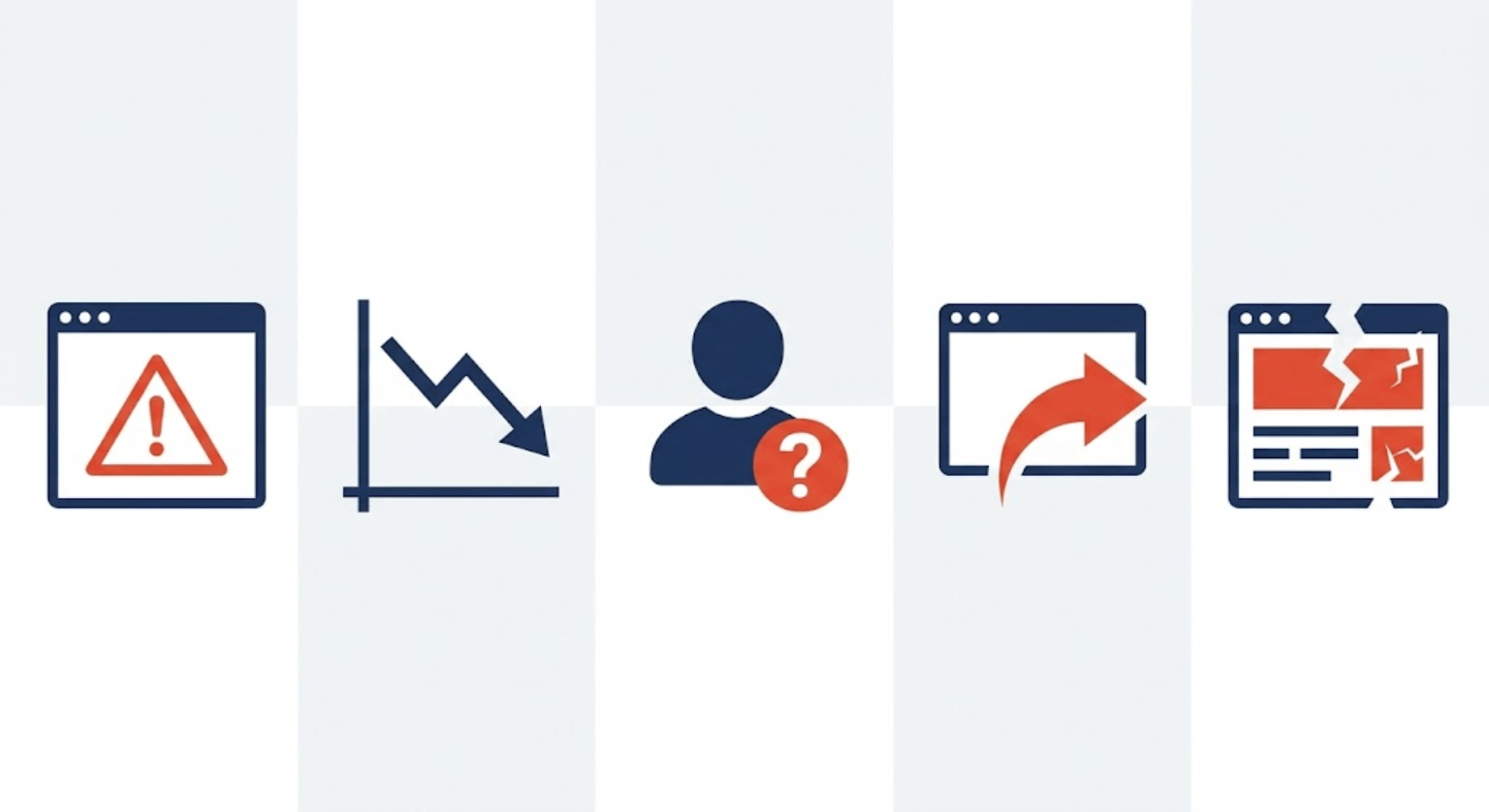
The clearest signs your WordPress site has been hacked are: a Google “This site may be hacked” warning, a sudden traffic drop, unfamiliar admin accounts, strange redirects to spam sites, and a defaced or altered homepage. If you’re seeing any one of these, treat it as confirmed and act immediately — waiting even a day can turn a quick cleanup into a full site rebuild.
WordPress powers a huge share of all websites, which makes it the single most targeted content management system on the internet. That’s not a reason to panic — most hacked sites are fully recoverable — but it is a reason to know these signs before you need them, not after.
Sign 1: Google is warning people away from your site
Search your own site name, or check Google Search Console directly, for labels like “This site may be hacked” or “Deceptive site ahead.” This is one of the loudest signals there is — Google doesn’t add these warnings lightly, and once they appear, visitors see them too, often before they even reach your homepage.
What it means: Google’s crawlers found malicious code, spam content, or phishing behavior somewhere on your site — sometimes on pages you didn’t even know existed.
Sign 2: A sudden, unexplained drop in traffic
Check your analytics for a sharp, sudden decline that doesn’t match anything you did (no algorithm update, no seasonal dip, nothing you changed). This is often one of the first signs owners notice, precisely because it doesn’t look like a security issue at first — it just looks like bad luck.
What it means: Malware is often redirecting your visitors elsewhere before they ever see your actual site, or Google has quietly started deprioritizing your pages after detecting something wrong.
Sign 3: Admin accounts or files you don’t recognize
Go to Users in your WordPress dashboard and check for any admin account you didn’t create. Also check your plugin and theme files for anything modified or added that you don’t remember installing.
What it means: This is a strong, almost undeniable sign of a breach — an attacker created themselves backend access, which they can use to keep re-infecting the site even after you clean it up once.
Sign 4: Your site redirects visitors somewhere else
If visitors report being redirected to spam pages, ads, or unfamiliar websites — even if you can’t reproduce it yourself — take this seriously. These redirects are sometimes triggered only for certain visitors (like those coming from Google search), which is exactly why the site owner often doesn’t see it happening.
What it means: Malicious redirect code has been injected somewhere in your theme files or database, and it’s actively being used to send your traffic — and your search rankings — to someone else’s benefit.
Sign 5: Your homepage looks different, or search results show strange titles
A defaced homepage is obvious. But a subtler version of this is checking site:yourdomain.com in Google and seeing page titles or descriptions in a different language, or pages you never published. This is sometimes the only visible sign for weeks before anything else shows up.
What it means: Attackers have created hidden spam pages on your domain to borrow your site’s authority for their own search rankings — while you remain unaware until you specifically check.
What to do in the first hour
- Don’t panic, but don’t wait. Every hour a hacked site stays live is more damage — to your visitors’ trust, your search rankings, and potentially your hosting account standing.
- Take the site offline or into maintenance mode, if you can, to stop visitors from being exposed while you investigate.
- Change all passwords immediately — WordPress admin, hosting account, FTP/database — even before you’ve confirmed the full scope of the problem. If an attacker still has active access, this cuts them off first.
- Remove any admin accounts you don’t recognize.
- Restore from a clean backup if you have one, or begin a full malware scan and cleanup if you don’t.
- Once clean, patch the actual entry point — usually an outdated plugin or theme — otherwise the same hack tends to come back within days.
Why this keeps happening: it’s almost always the same root cause
The overwhelming majority of WordPress hacks don’t come from sophisticated attacks — they come from outdated plugins and themes with known, unpatched vulnerabilities sitting quietly on a live site. This is exactly why ongoing maintenance (regular updates, security monitoring, and backups) prevents most of this from happening in the first place, rather than dealing with it after the fact.