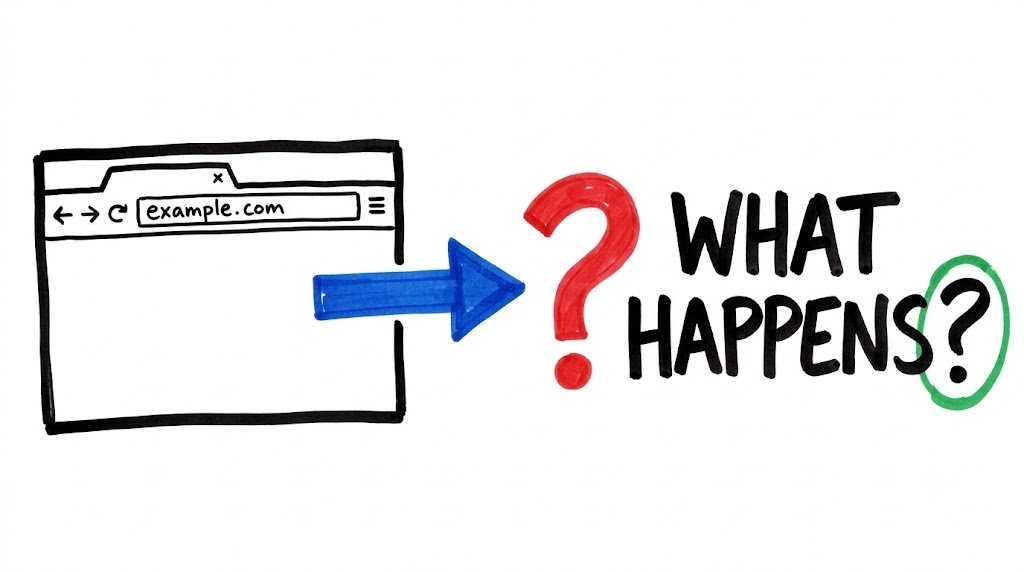
You type a web address, press Enter, and a page appears. It takes under a second, so the steps in between stay invisible. This post walks through them by doing each one by hand in Python.
Step 1: DNS, turning a name into a number
import socket

host = "example.com"
ip = socket.gethostbyname(host)
print(f"{host} -> {ip}")
Computers connect using IP addresses, not names. DNS is the lookup that translates one into the other.
Step 2: Open a connection
sock = socket.create_connection((host, 80))
print("Connected to", sock.getpeername())
A server can run many services, each on a numbered port. Port 80 is the standard port for plain HTTP. At this point the line is open, but nothing has been asked yet.
Step 3: Send the request=
request = (
    "GET / HTTP/1.1\r\n"
    f"Host: {host}\r\n"
    "Connection: close\r\n"
    "\r\n"
)
sock.sendall(request.encode())
An HTTP request is just text. GET means “fetch”, / is the page, and HTTP/1.1 is the protocol version. The Host header says which site we mean, since one server can host many. The blank line at the end marks the end of the request.
Step 4: Read the response
response = b""
while True:
    chunk = sock.recv(4096)
    if not chunk:
        break
    response += chunk
sock.close()

print(response.decode(errors="replace"))
The output has three parts: a status line (HTTP/1.1 200 OK), a set of headers, and then the body, which is the page’s HTML.
Step 5: The browser’s real job
The browser takes that HTML and draws the page. Everything before that is what we just did in about fifteen lines of Python.
What changes with HTTPS
import ssl

context = ssl.create_default_context()
raw = socket.create_connection((host, 443))
secure = context.wrap_socket(raw, server_hostname=host)
print("Encrypted with:", secure.version())
The connection is wrapped in encryption first, on port 443. After that, the request and response look the same.
What’s next
The next video looks closer at headers and status codes: what they mean and how to read them when something breaks.
Watch the full walkthrough: https://youtu.be/xRkcc0-tROw
Full playlist: https://www.youtube.com/playlist?list=PLTyiXpqKeCvQ