



Blogs
Services
Web Development, Website Strategy, WordPress Tips 23 Sep 2025
The Ultimate Guide to a Secure WordPress Site: Protect Your Digital Asset

Writen by Tech Contributors
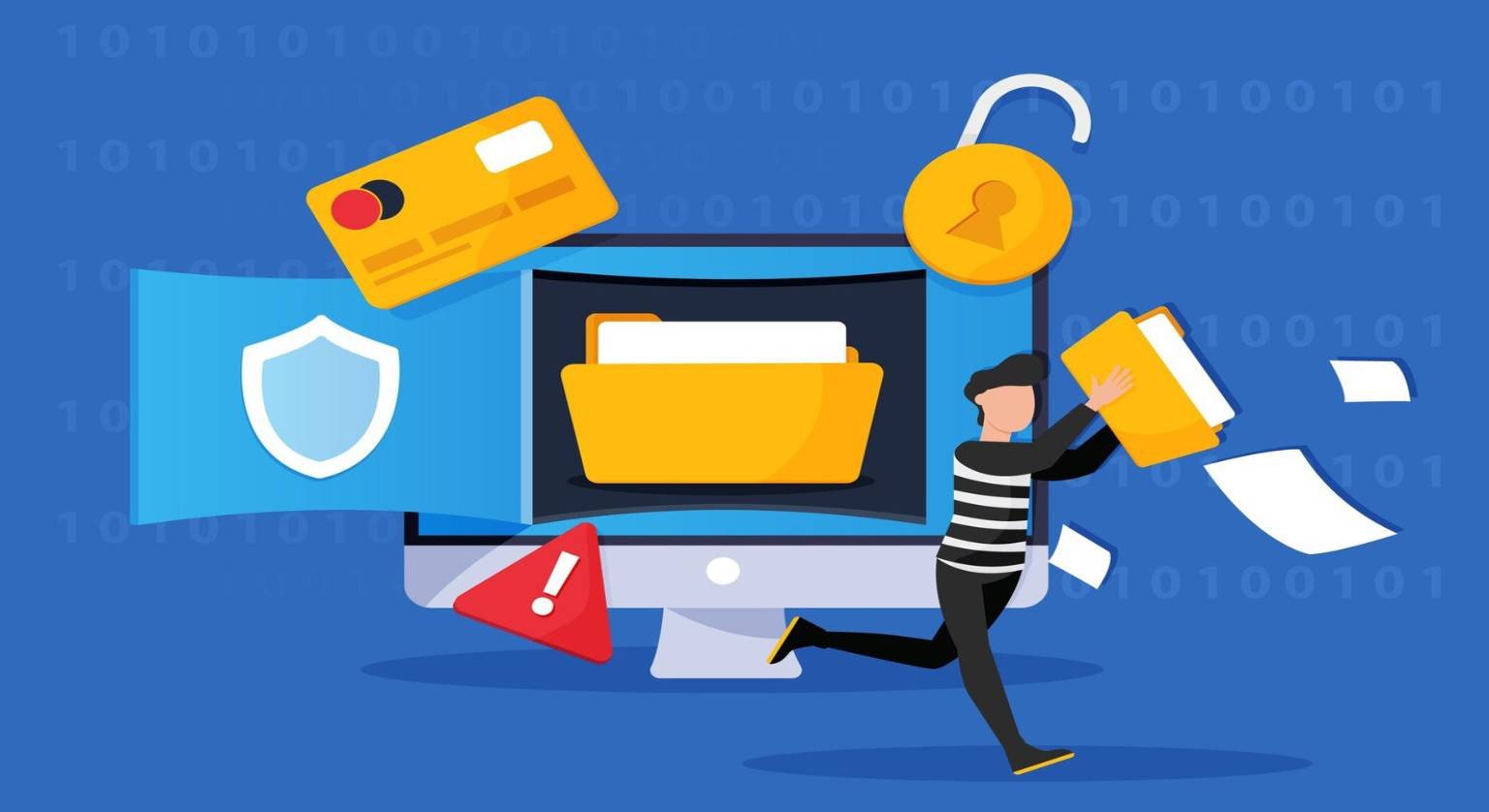
Ensuring a secure WordPress site is paramount for any website owner, protecting your data, user information, and brand reputation from evolving cyber threats. It involves a multi-layered approach combining robust core settings, vigilant maintenance, and strategic security tools.
What is a Secure WordPress Site?
A secure WordPress site is one that is resilient against common cyber threats, including hacking attempts, malware injections, data breaches, and distributed denial-of-service (DDoS) attacks. It incorporates various protective measures at the server, application, and user levels to minimize vulnerabilities and maintain the integrity and availability of your website’s content and data.
Why is it Crucial to Secure Your WordPress Site?
The internet is a constant battleground for security, with new threats emerging daily. An unsecured WordPress site can lead to severe and costly consequences:
- Data Loss and Corruption: Critical website files, databases, and sensitive user information can be lost, corrupted, or stolen.
- Reputation Damage: Hacked sites can be flagged by search engines or web browsers as unsafe, leading to a significant loss of user trust and brand credibility.
- SEO Penalties: Google may penalize or even de-index compromised sites, severely impacting your organic search visibility and traffic.
- Financial Costs: Recovering from a hack can be expensive, involving expert help for cleanup, potential legal fees, and lost revenue due to downtime.
- Legal and Compliance Ramifications: Data breaches, especially those involving personal user data, can lead to legal issues, fines, and non-compliance with regulations like GDPR or CCPA.
- Website Defacement: Attackers might alter your site’s content, inject malicious ads, or redirect users to spammy sites, directly harming user experience.
Proactively making your WordPress site secure is not just a best practice; it’s a necessity for long-term success, brand protection, and peace of mind in the digital landscape.
How to Secure Your WordPress Site: Essential Steps
Implementing a comprehensive security strategy requires attention to several key areas. Here’s a step-by-step guide to help you achieve a robustly secure WordPress site.
WordPress Core Security Best Practices
The foundation of a secure WordPress site starts with how you manage the core software itself.
- Keep WordPress, Themes, and Plugins Updated: This is arguably the most critical and often overlooked step. Developers regularly release updates to patch security vulnerabilities. Enable automatic minor updates, and always back up your site before performing major core, theme, or plugin updates.
- Use Strong, Unique Passwords and Usernames: Avoid common passwords, easily guessable usernames (like ‘admin’), and repetitive password usage. Use a mix of uppercase and lowercase letters, numbers, and symbols for all admin accounts, databases, and FTP. Consider leveraging a reputable password manager.
- Implement Two-Factor Authentication (2FA): Add an extra layer of security requiring a second form of verification (e.g., a code from your phone or an authenticator app) in addition to the password.
- Change Default Login URL: The default
wp-adminandwp-login.phpURLs are common targets for automated brute-force attacks. Changing them makes it harder for attackers to find your login page. - Limit Login Attempts: Tools that automatically block IP addresses after a certain number of failed login attempts can significantly deter brute-force attacks.
- Disable File Editing: Add
define('DISALLOW_FILE_EDIT', true);to yourwp-config.phpfile. This prevents direct theme and plugin editing from the WordPress dashboard, closing a common entry point for hackers if your admin account is compromised. - Remove Unused Themes and Plugins: Each inactive theme or plugin is a potential vulnerability, even if not active. Delete anything you’re not actively using to reduce your attack surface.
Server-Level and Hosting Security
Your hosting environment plays a significant role in maintaining a secure WordPress site.
- Choose a Reputable WordPress Host: A good host provides robust server-level firewalls, regular backups, malware scanning, proactive security monitoring, and insulated hosting environments. Managed WordPress hosting often includes enhanced security features specifically tailored for WordPress.
- Install an SSL Certificate (HTTPS): An SSL certificate encrypts data transferred between your website and visitors’ browsers. This is essential for e-commerce, user logins, protecting sensitive data, and is a significant ranking factor for SEO. Most reputable hosts offer free SSL (e.g., Let’s Encrypt).
- Implement Regular and Reliable Backups: This is your ultimate safety net. Implement an automatic, reliable backup solution that backs up your entire site (files and database). Store backups off-site (e.g., cloud storage) and test restoration periodically to ensure they are viable.
- Ensure Correct File Permissions: Incorrect file and directory permissions can allow unauthorized users to modify or execute malicious code. Ensure permissions are set correctly (e.g., 644 for files, 755 for directories).
Advanced Security Measures and Monitoring
To further reinforce your defenses and maintain a secure WordPress site, consider these advanced strategies:
- Web Application Firewall (WAF): A WAF filters malicious traffic before it ever reaches your website, blocking common attack vectors like SQL injection, cross-site scripting (XSS), and brute-force attempts. Cloud-based WAFs like Cloudflare or Sucuri provide excellent perimeter protection.
- Malware Scanning and Removal: Regularly scan your site for malware, backdoors, and other malicious code. Many security plugins offer this feature, or you can use dedicated services for deeper scans and professional cleanup.
- Robust Security Plugins: Install a robust WordPress security plugin (e.g., Wordfence, Sucuri Security, iThemes Security). These plugins offer a suite of features including firewalls, malware scans, login hardening, activity logging, and vulnerability detection.
- Change Database Table Prefix: During installation, change the default WordPress database table prefix (
wp_) to something unique. This makes it harder for automated SQL injection attacks to target your database. - Hide WordPress Version: Removing the WordPress version number from your site’s source code (e.g., from meta tags or RSS feeds) makes it harder for attackers to target known vulnerabilities for specific WordPress versions.
- Comprehensive Activity Logging: Keep detailed logs of all user activities, file changes, and administrative actions on your site. This helps in identifying suspicious behavior, auditing changes, and tracing the source of a breach if one occurs.
For businesses and high-traffic websites, investing in comprehensive secure website solutions is a strategic move that provides continuous monitoring, expert support, and proactive threat detection, significantly bolstering your digital defenses against sophisticated and evolving attacks.
Best Practices for Maintaining a Secure WordPress Site
Security is an ongoing process, not a one-time setup. Consistent vigilance and proactive measures are key to keeping your WordPress site secure:
- Regular Security Audits: Periodically review your site’s security settings, user roles, plugin/theme status, and server configurations. Look for any inconsistencies or potential new vulnerabilities.
- Educate Your Team: Ensure anyone with access to your WordPress dashboard understands security best practices, especially regarding password hygiene, recognizing phishing attempts, and avoiding suspicious links.
- Monitor for Suspicious Activity: Use security plugins or services to alert you to unusual login attempts, unauthorized file changes, unexpected performance drops, or sudden spikes in traffic (which could indicate a DDoS attack).
- Stay Informed: Keep up-to-date with the latest WordPress security news, known vulnerabilities, and emerging solutions. Subscribe to security newsletters or follow reputable WordPress security blogs.
- Principle of Least Privilege: Assign users only the minimum necessary permissions required for their specific roles. Avoid giving administrative access unnecessarily, especially to temporary staff or third-party contractors.
Comparing Security Solutions for Your WordPress Site
When it comes to securing your WordPress site, you have several categories of solutions, each offering different levels of protection and features:
- Free Security Plugins: These often provide a baseline of security, including basic firewalls, malware scans, and login hardening features. They are a good starting point for small personal blogs with limited budgets.
- Premium Security Plugins: Offer more advanced features such as real-time malware scanning, cloud WAF integration, vulnerability patching, and expert cleanup services. These are suitable for growing businesses and professional websites.
- Hosting-Level Security: Many managed WordPress hosts integrate security features directly into their infrastructure, offering server-side firewalls, automatic backups, malware detection, and proactive monitoring as part of their plans.
- Dedicated Security Services (e.g., Sucuri, Cloudflare): These companies offer comprehensive, cloud-based security platforms that include a Web Application Firewall (WAF), DDoS protection, Content Delivery Network (CDN), and professional malware removal services. They are ideal for critical business websites requiring robust, enterprise-grade protection.
- Custom Security Implementations and Audits: For highly sensitive data, unique business requirements, or large-scale projects, hiring a cybersecurity expert to implement custom security solutions and conduct regular, in-depth security audits can be the most thorough approach.
The best choice depends on your budget, technical expertise, the criticality of your website, and the specific threats you face. Regardless of your choice, the ultimate goal remains to create and maintain a robustly secure WordPress site.
By diligently applying these strategies and maintaining a proactive stance, you can significantly enhance the security posture of your WordPress installation. This protects your digital assets, ensures a reliable online presence, and fosters trust with your audience. A secure WordPress site isn’t just a technical achievement; it’s a fundamental foundation for sustained trust and success in the digital realm.
Frequently Asked Questions About WordPress Security
FAQs
We’ve answered the most common questions to help you better understand this topic. Get clear insights before making any decisions.
You should update WordPress core, themes, and plugins as soon as new versions are released, especially for security updates. Enable automatic minor updates for convenience, and schedule major updates after performing a full backup to ensure data integrity.
Free security plugins offer a good baseline for securing smaller sites, providing features like basic firewalls, malware scanning, and login attempt limits. However, for business-critical websites or those handling sensitive data, premium plugins or dedicated security services offer more comprehensive protection, including advanced WAFs, real-time threat detection, and expert cleanup services.
An SSL (Secure Sockets Layer) certificate encrypts the connection between your website and its visitors, protecting data exchanged (like login credentials or payment information). Yes, you absolutely need it. It's crucial for security, builds user trust, enhances credibility, and is a significant ranking factor for SEO.
If your WordPress site gets hacked, first change all passwords (WordPress, FTP, database, hosting control panel). Then, restore your site from the cleanest available backup (before the hack occurred). If a clean backup isn't available, immediately use a reputable security plugin or a professional malware removal service to clean your site. Inform your hosting provider, and monitor your site closely afterward for any recurring issues.
To make your admin login more secure, use strong, unique passwords for all accounts, implement two-factor authentication (2FA), limit login attempts, change the default login URL (wp-admin or wp-login.php), and ensure your admin username is not 'admin' or easily guessable.
Your hosting provider is responsible for server-level security (e.g., network infrastructure, server firewalls, operating system updates). However, you are generally responsible for application-level security, which includes keeping WordPress core, themes, and plugins updated, using strong passwords, and implementing site-specific security measures like WAFs and security plugins. It's a shared responsibility model.