



Blogs
Services
Web Development, WordPress Tips 07 Jun 2025
How to Improve Your WordPress Site Speed and Pass Core Web Vitals

Writen by Tech Contributors
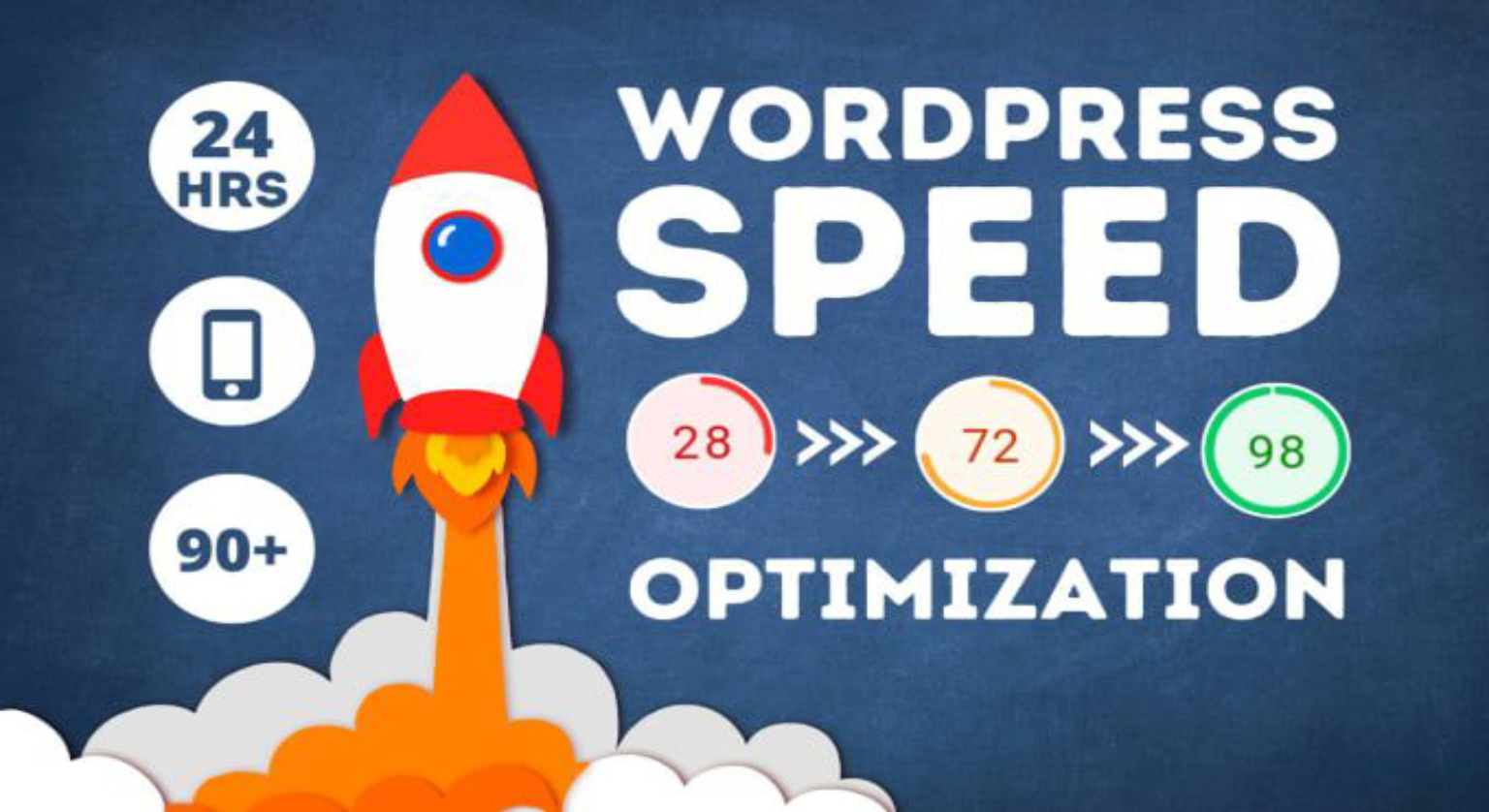
Google’s algorithms in 2025 prioritize UX, mobile responsiveness, and site speed more than ever. If your WordPress site is:
- Loading slow
- Failing Core Web Vitals (LCP, FID, CLS)
- Taking more than 2.5s to become interactive
…you’re losing rankings, conversions, and revenue.
💡 53% of users abandon sites that take more than 3 seconds to load.
Let’s fix that—step-by-step.
🔍 What Are Core Web Vitals?
Google’s Core Web Vitals are three key metrics:
- Largest Contentful Paint (LCP): Measures load speed (should be <2.5s)
- First Input Delay (FID → INP): Measures interactivity (should be <200ms)
- Cumulative Layout Shift (CLS): Measures visual stability (should be <0.1)
⚙️ 1. Use a Fast, Lightweight WordPress Theme
Your theme controls layout, style, and performance.
🔥 Recommended Fast Themes:
- GeneratePress
- Astra
- Kadence
- Blocksy
✅ All are optimized for Core Web Vitals and use minimal bloat.
🚄 2. Install a High-Performance Caching Plugin
Caching reduces server load and makes your site blazing fast.
Top Plugins for 2025:
- WP Rocket (best overall)
- LiteSpeed Cache (for LiteSpeed servers)
- FlyingPress (lightweight & effective)
- W3 Total Cache (developer-friendly)
✅ Ensure you enable:
- Page caching
- Browser caching
- Object caching (Redis or Memcached if possible)
🧹 3. Optimize Images Properly
Heavy images kill your performance.
✅ Do this:
- Use next-gen formats (WebP, AVIF)
- Resize before uploading
- Compress with ShortPixel or Imagify
- Enable lazy loading
🌐 4. Use a CDN (Content Delivery Network)
A CDN speeds up content delivery worldwide.
Best CDNs for WordPress:
- Cloudflare (free + performance + security)
- Bunny.net (ultra-fast and affordable)
- KeyCDN (developer-friendly)
📉 5. Reduce Server Response Time (TTFB)
A slow server = slow site, even with optimization.
✅ Improve it with:
- Managed WordPress hosting (like Cloudways, Rocket.net, or Kinsta)
- Use PHP 8.2+
- Use object caching (Redis)
- Optimize database with WP-Optimize
🧱 6. Remove Unused Plugins, CSS & JavaScript
Every extra line of code slows your site.
✅ Steps:
- Deactivate/delete unused plugins
- Use Asset CleanUp or Perfmatters to remove unused scripts
- Enable delay JS execution
🖼️ 7. Fix Cumulative Layout Shift (CLS)
CLS errors frustrate users. It’s usually caused by unstyled fonts, ads, or images loading late.
✅ Solutions:
- Add image/video width & height attributes
- Use font-display: swap
- Avoid injecting ads without space
🎯 8. Replace FID with INP & Improve Interactivity
FID is now replaced with INP (Interaction to Next Paint).
✅ Tips:
- Minimize JavaScript usage
- Avoid long tasks
- Load third-party scripts async
- Reduce animation dependencies
📊 9. Use PageSpeed Insights + Lighthouse + Web Vitals Extension
✅ Tools to Monitor:
- Google PageSpeed Insights
- Lighthouse Chrome Tool
- Web Vitals browser extension (real-time analysis)
Look for:
- LCP < 2.5s
- INP < 200ms
- CLS < 0.1
- FCP < 1.8s
- TTFB < 500ms
📦 Bonus: Plugins That Help You Pass Core Web Vitals in One Click
| Plugin | Purpose |
|---|---|
| WP Rocket | Caching, delay JS, minify |
| ShortPixel | Image optimization |
| Perfmatters | Script management |
| FlyingPress | CDN, lazy load, performance |
| Asset CleanUp | Remove unused code |
| WP-Optimize | Database + cache |
📈 Final Thoughts: Ranking High in 2025 = Fast + Stable + Optimized
To dominate rankings and be featured in AI Overviews, your site needs to:
✅ Load fast on mobile
✅ Score 90+ in Core Web Vitals
✅ Deliver great UX
✅ Use clean code and modern architecture
🚀 Need Help? Get Your Speed Optimized by Experts
At Tech Contributors, we help:
- WordPress websites pass Core Web Vitals
- Improve rankings and conversions
- Deliver lightning-fast user experiences