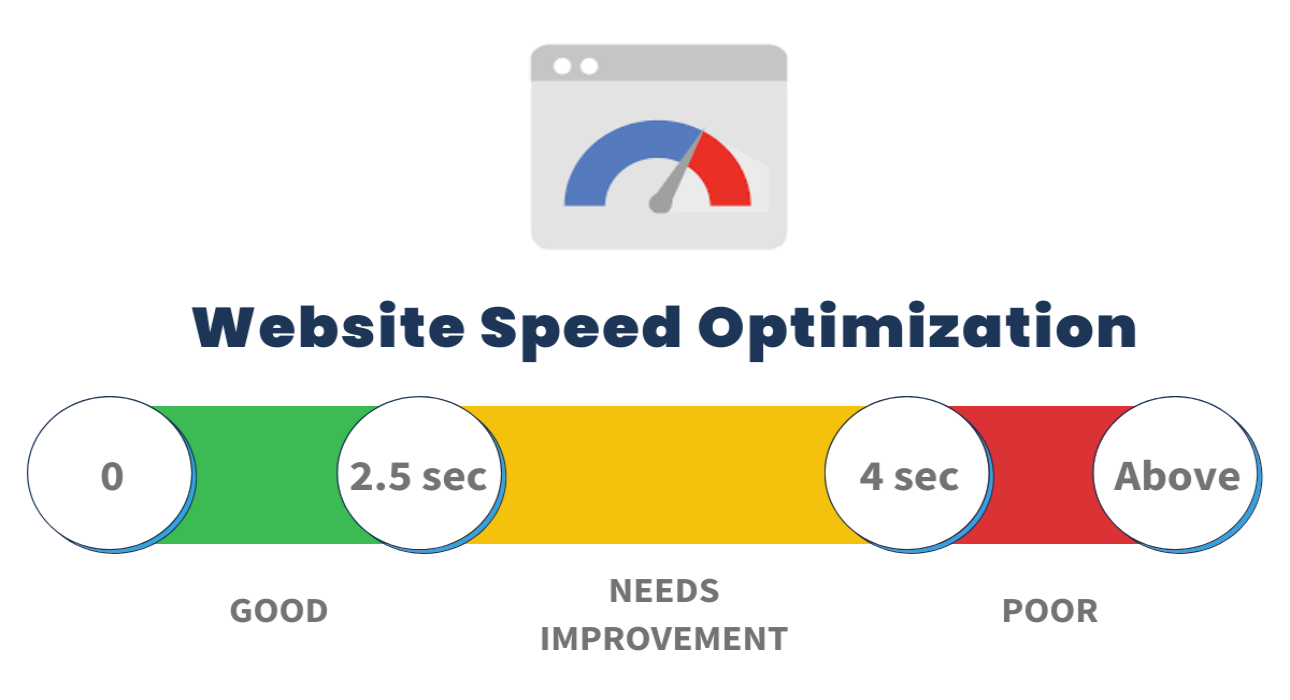
Website speed and performance play a crucial role in user experience, search engine rankings, and conversion rates. A slow website can drive visitors away, negatively affecting your business. Here are some effective strategies to enhance your website’s speed and performance.
1. Optimize Images
Images are often the largest elements on a webpage, and unoptimized images can significantly slow down load times. Use image compression tools like TinyPNG or ImageOptim to reduce file sizes without compromising quality. Additionally, implement next-gen formats like WebP for better efficiency.
2. Enable Caching
Caching allows browsers to store copies of your website’s pages, reducing load times for returning visitors. Implement browser caching, server-side caching, and use Content Delivery Networks (CDNs) to enhance performance.
3. Minimize HTTP Requests
Every element on a webpage (images, scripts, CSS files) requires an HTTP request. Reduce these requests by combining CSS and JavaScript files, using CSS sprites, and eliminating unnecessary elements.
4. Use a Content Delivery Network (CDN)
A CDN distributes your website’s content across multiple servers worldwide, reducing latency and improving load times for users from different geographical locations. Popular CDN services include Cloudflare, Amazon CloudFront, and Akamai.
5. Optimize Server Response Time
A slow server response time can impact website speed. Choose a reliable hosting provider, optimize your database, and use a fast web server like Nginx or Apache with caching mechanisms.
6. Minify CSS, JavaScript, and HTML
Minification removes unnecessary characters, whitespace, and comments from your code, reducing file sizes and improving page load speed. Tools like UglifyJS, CSSNano, and HTMLMinifier can automate this process.
7. Enable Gzip Compression
Gzip compresses your website’s files before they are sent to the browser, reducing file sizes and load times. Enable Gzip compression through your server settings or via plugins if you use a CMS like WordPress.
8. Reduce Redirects
Excessive redirects increase load times by adding additional HTTP requests. Audit your website to minimize unnecessary redirects and ensure a streamlined user experience.
9. Implement Lazy Loading
Lazy loading defers the loading of images and other media until they are needed, improving initial page load speed. This technique enhances performance, especially for image-heavy websites.
10. Monitor Performance Regularly
Use tools like Google PageSpeed Insights, GTmetrix, and Lighthouse to analyze your website’s speed and receive optimization recommendations. Regular performance audits help keep your website running efficiently.
Conclusion
Improving website speed and performance is essential for retaining visitors and ranking higher on search engines. By following these best practices, you can create a faster, more responsive website that enhances user experience and boosts conversions.